What is the difference between farm and employee Cloud Storage?
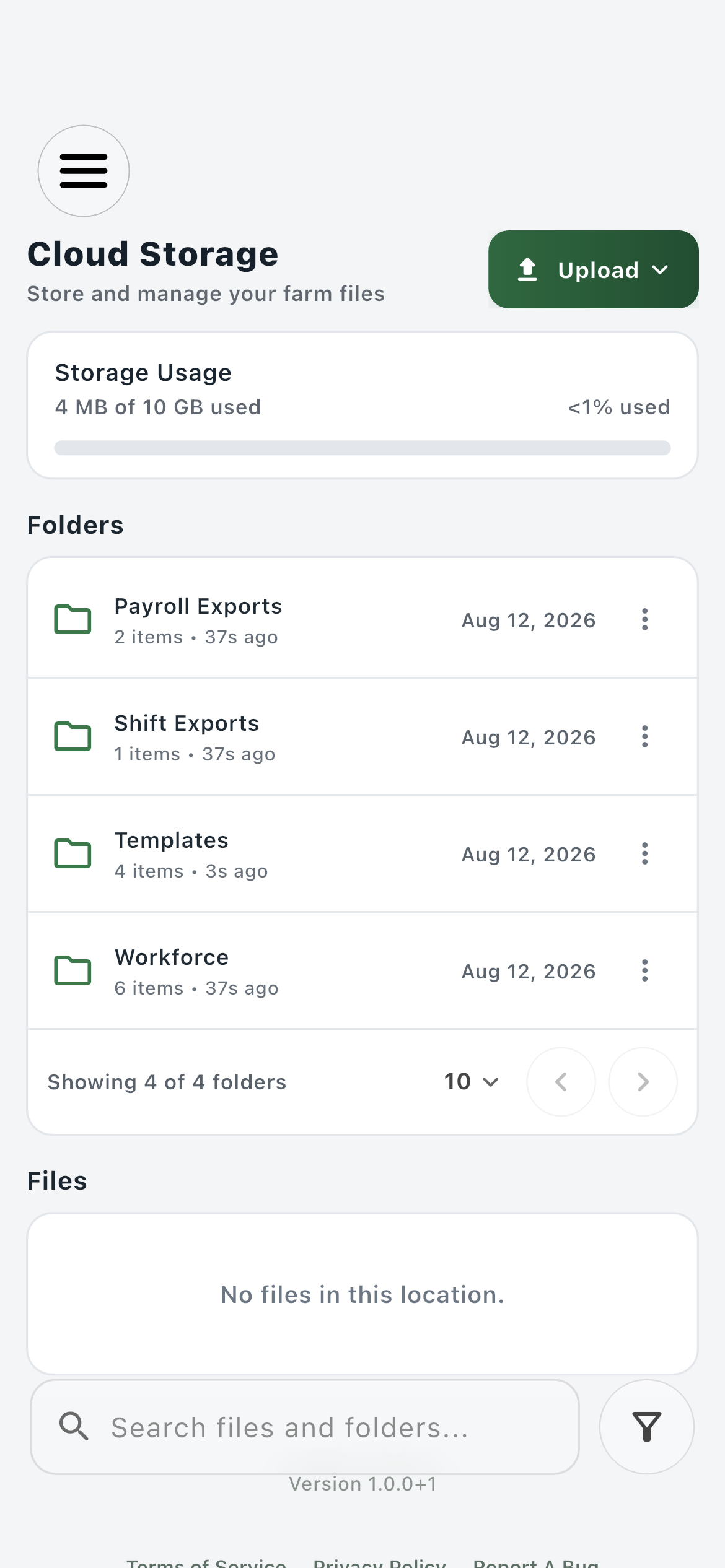
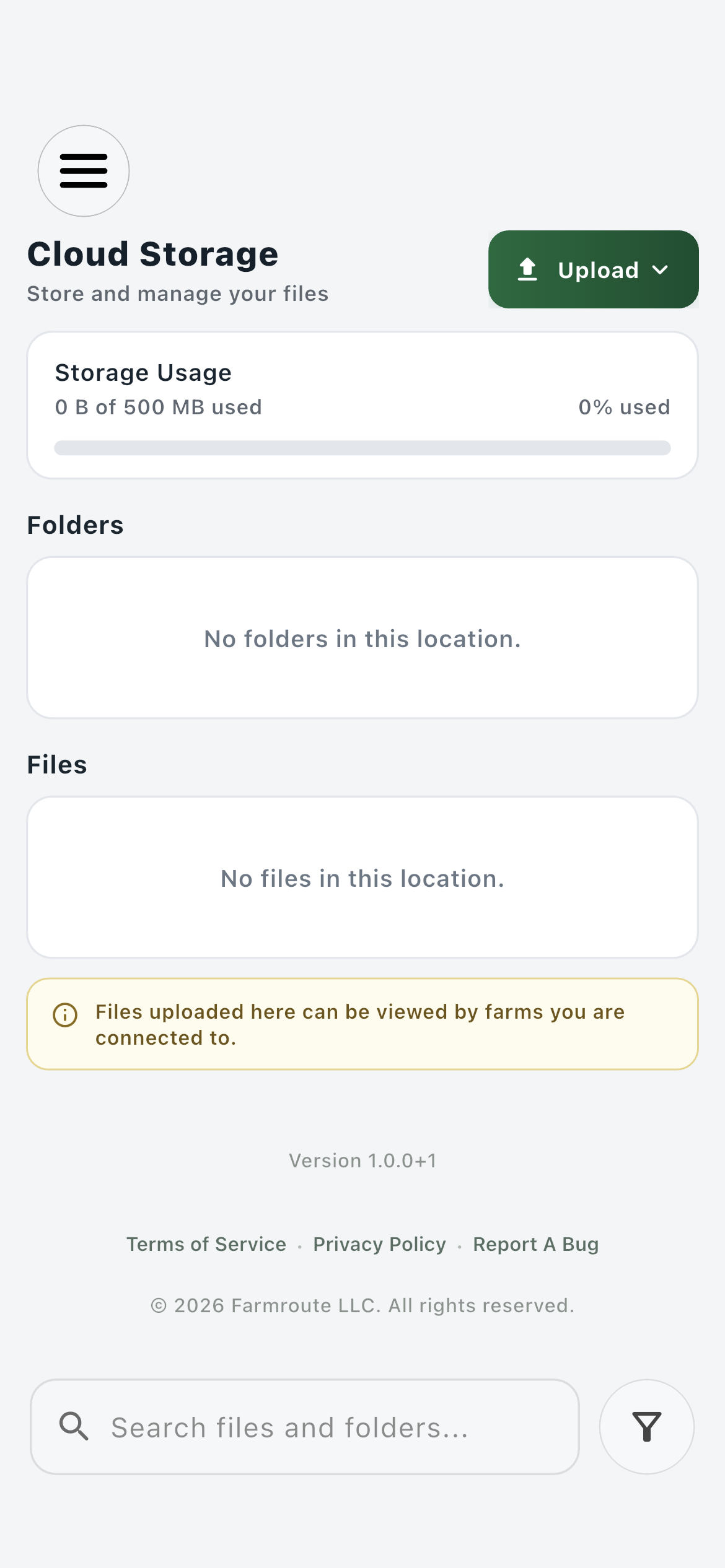
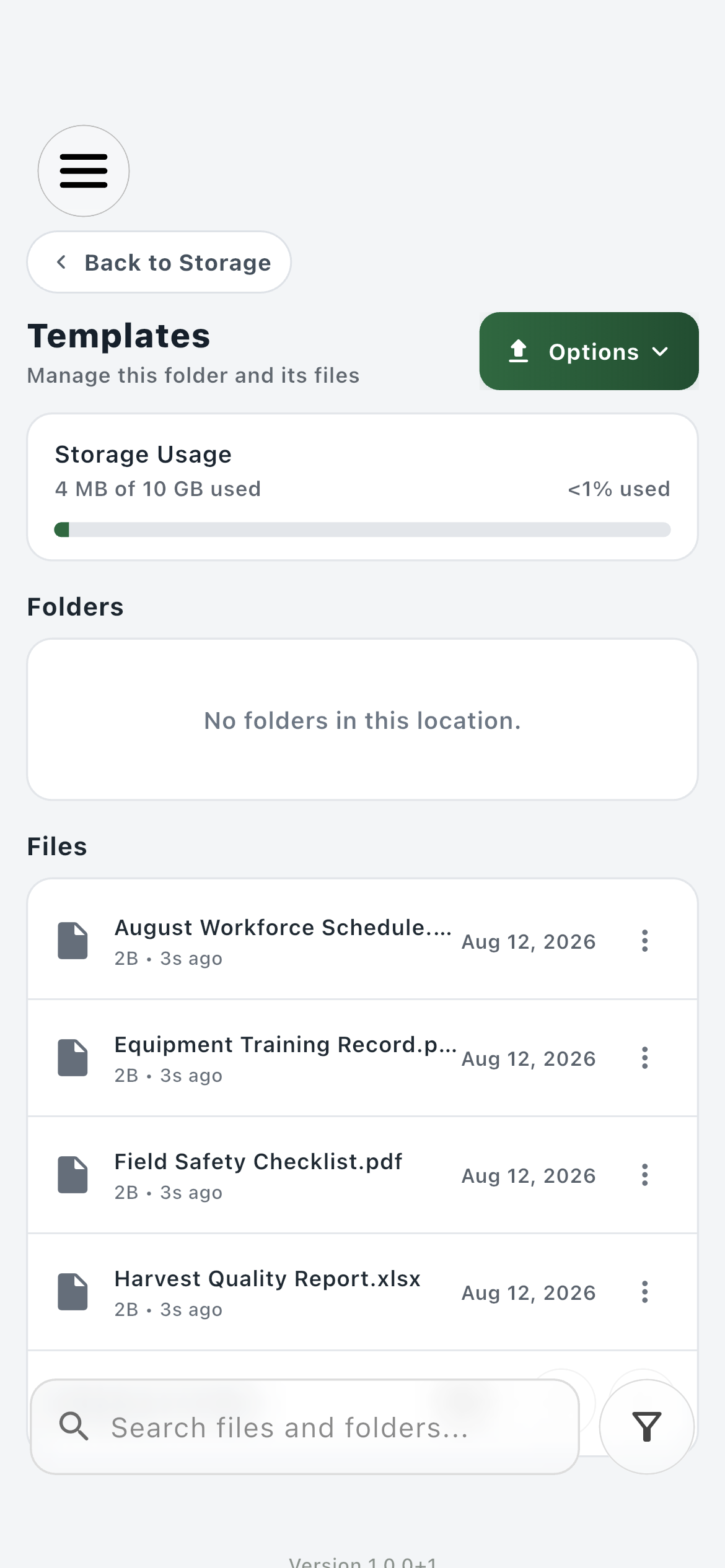
Farm storage belongs to the farm account and starts with 10 GB. Employee storage belongs to the employee profile and includes 500 MB. They have separate quotas, owners, and retention behavior even when a farm can view an employee file through a worker relationship.
Can a farm see files uploaded by a connected employee?
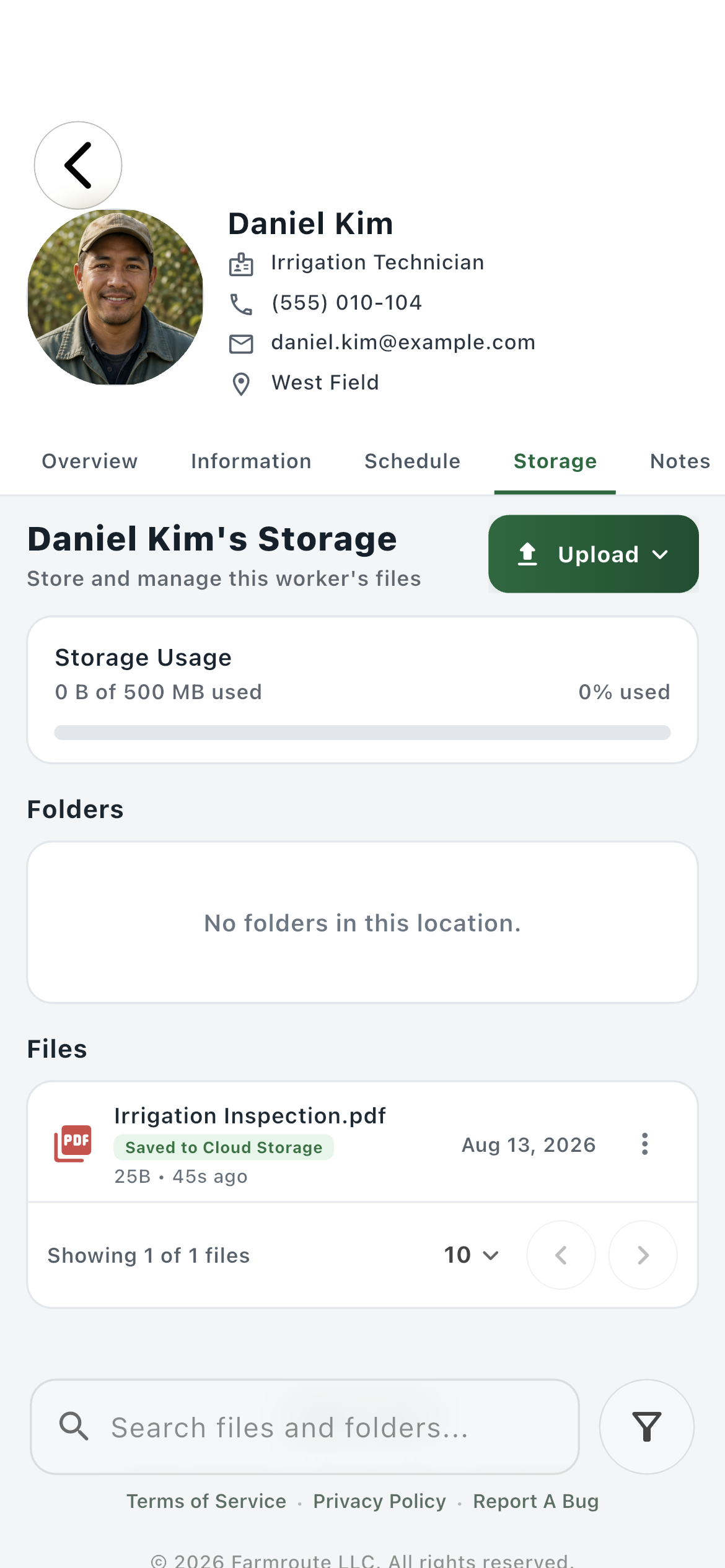
Yes, eligible employee-owned files can appear in the farm’s Workforce worker folder and the worker profile’s Storage tab while the relationship is active. Visibility does not transfer ownership to the farm.
What does Save to Cloud Storage do?
It creates an independent farm-owned copy of an employee source file in the worker’s general farm record area. The employee keeps the source, and deleting that source later does not delete the farm’s saved copy.
What happens to storage when a farm and employee relationship ends?
The employee keeps employee-owned source files. The farm stops seeing those live sources but retains files the farm uploaded, completed employer records such as template submissions, and employee documents it deliberately saved into farm Cloud Storage.
How does the Storage tab inside a worker profile work?
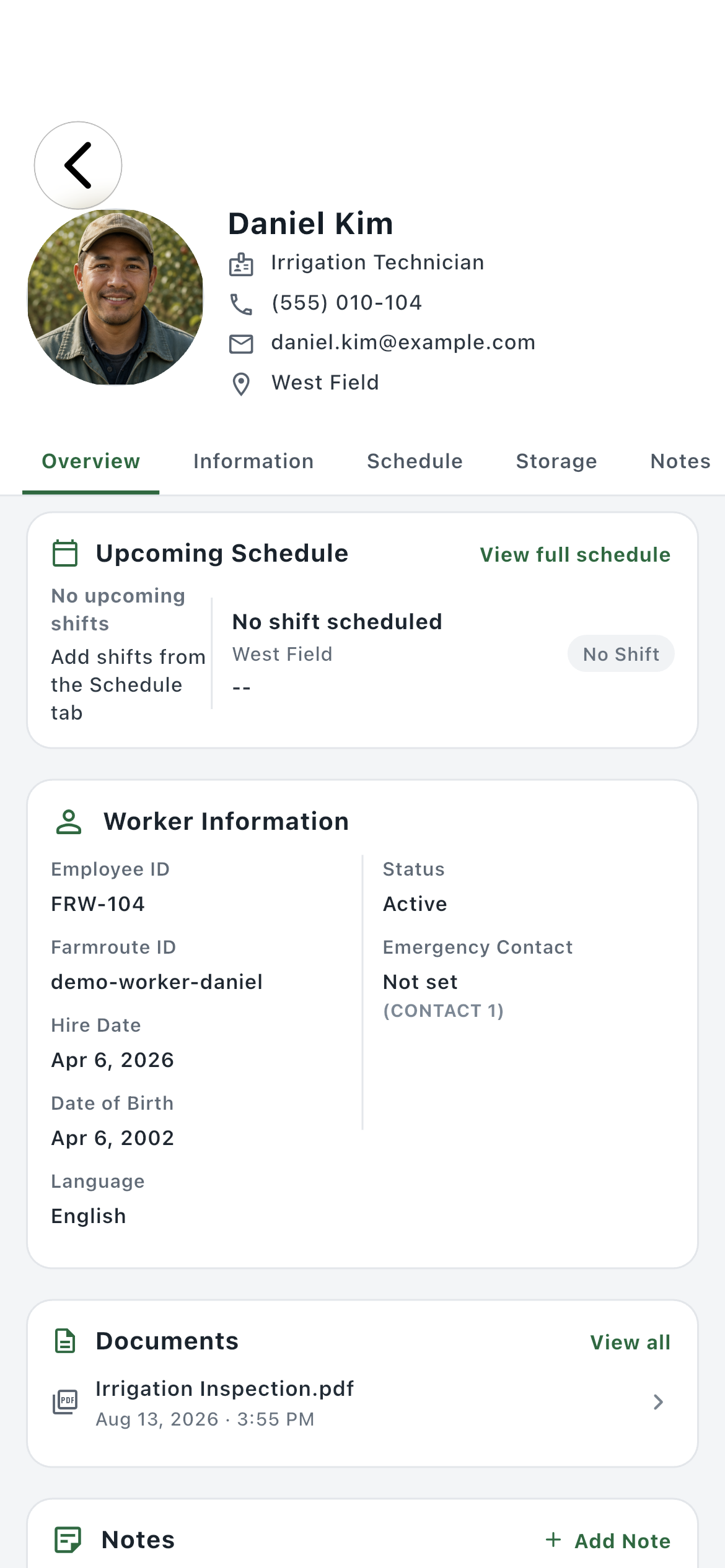
It is a focused entry point into that worker’s storage context. It keeps documents beside the worker’s Overview, Information, Schedule, and Notes while using the same ownership and relationship rules as the Workforce folder in the main storage page.
Where do completed template forms go?
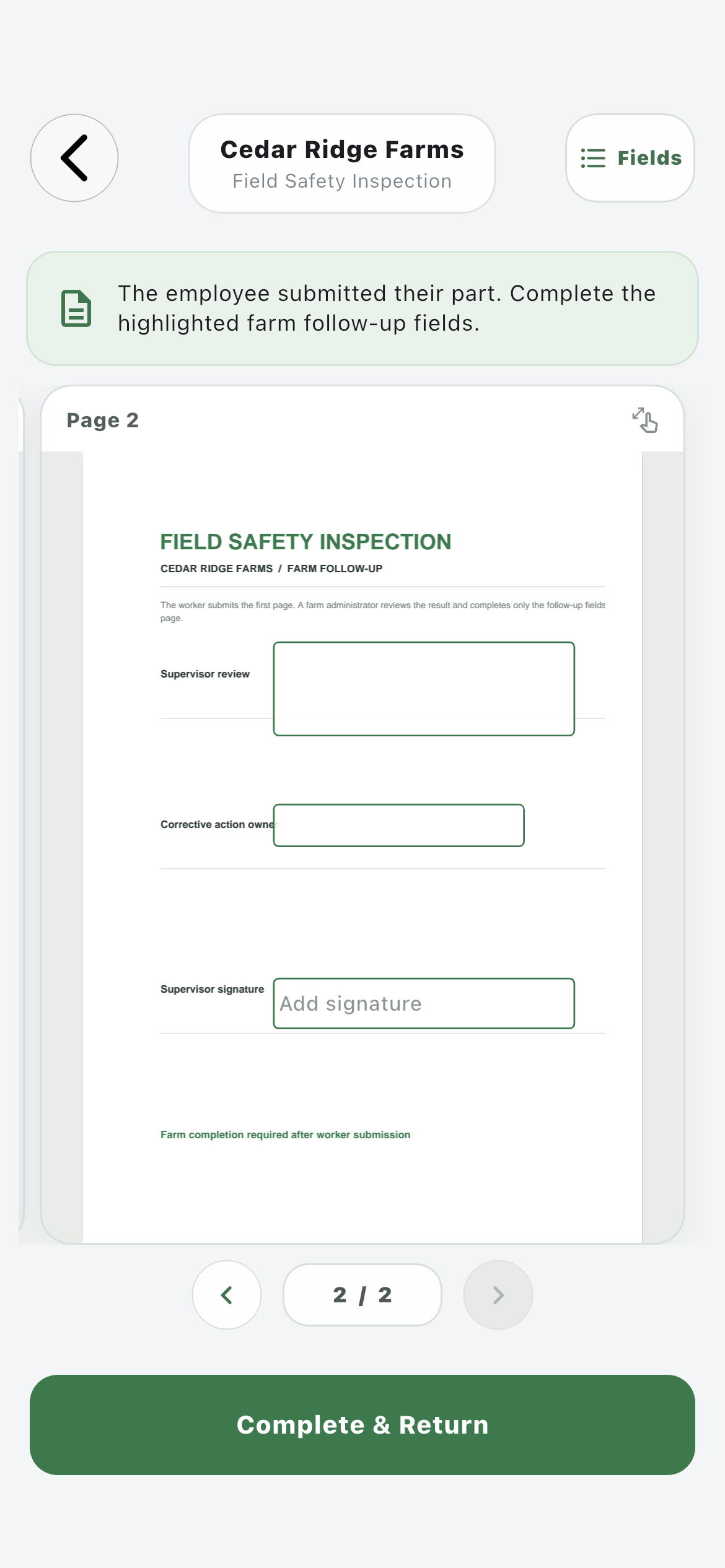
After all required employee and recursive farm stages are complete, Farmroute retains the final farm-owned PDF under Workforce, the submitting worker, and Template Submissions. The visible filename uses the worker’s FRW number followed by the template name.
Where do shift and payroll exports go?
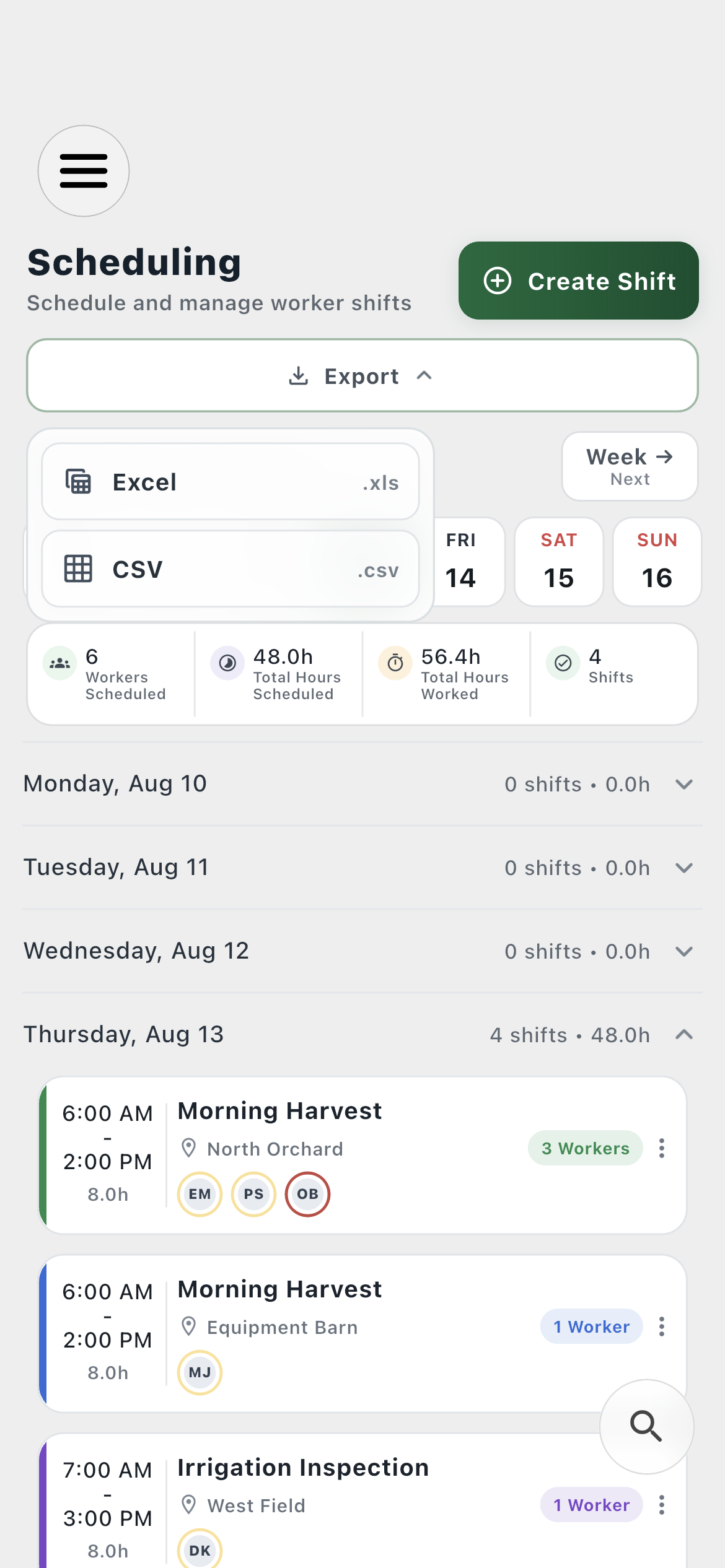
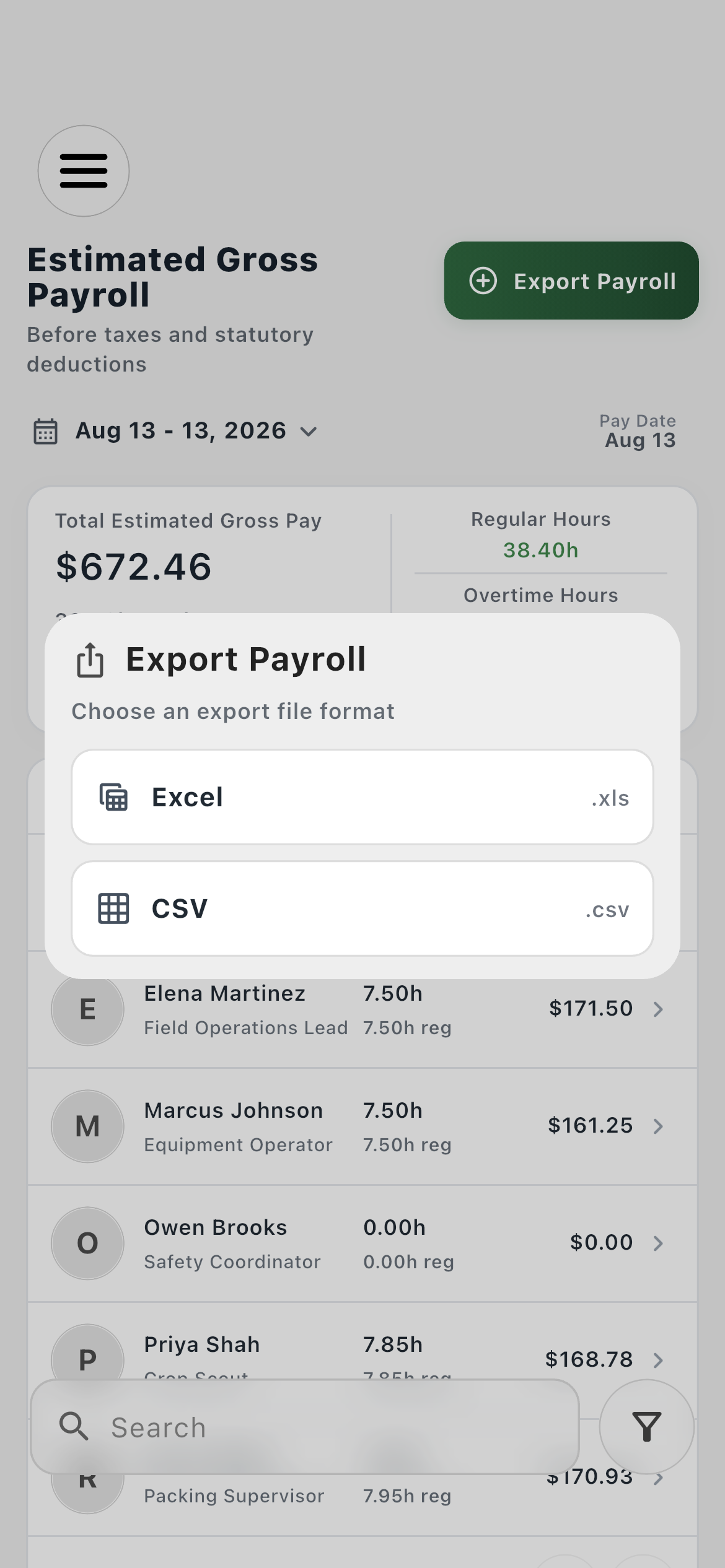
Farmroute creates Shift Exports and Payroll Exports under the current farm account’s storage area when those outputs are first generated. Repeated exports use collision-safe filenames rather than replacing earlier files.
How can an account review what is using storage?
The Storage page shows quota usage, folders, files, search, and file actions. Settings provides an itemized inventory that can be sorted by largest, smallest, newest, or oldest and supports deleting authorized files.