Can Farmroute create custom farm task workflows?
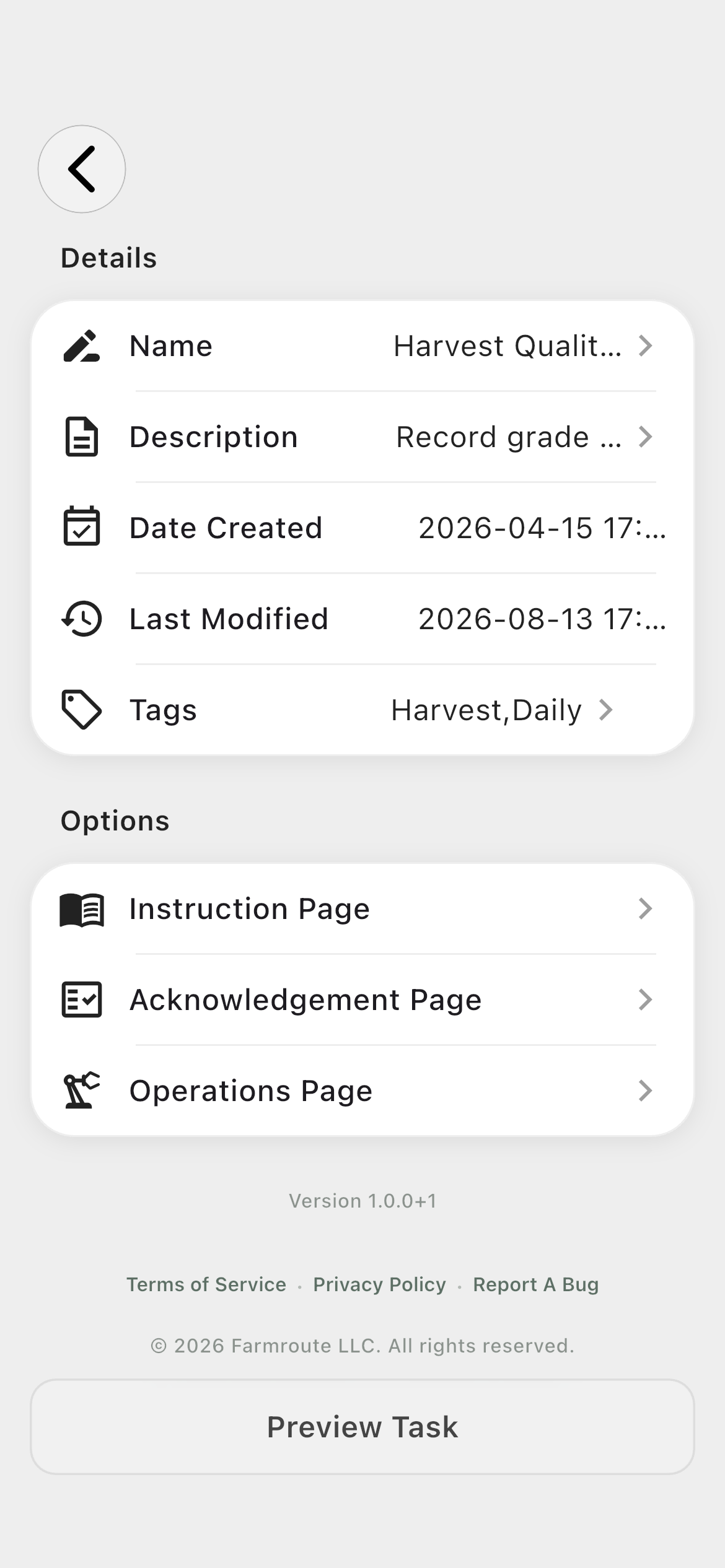
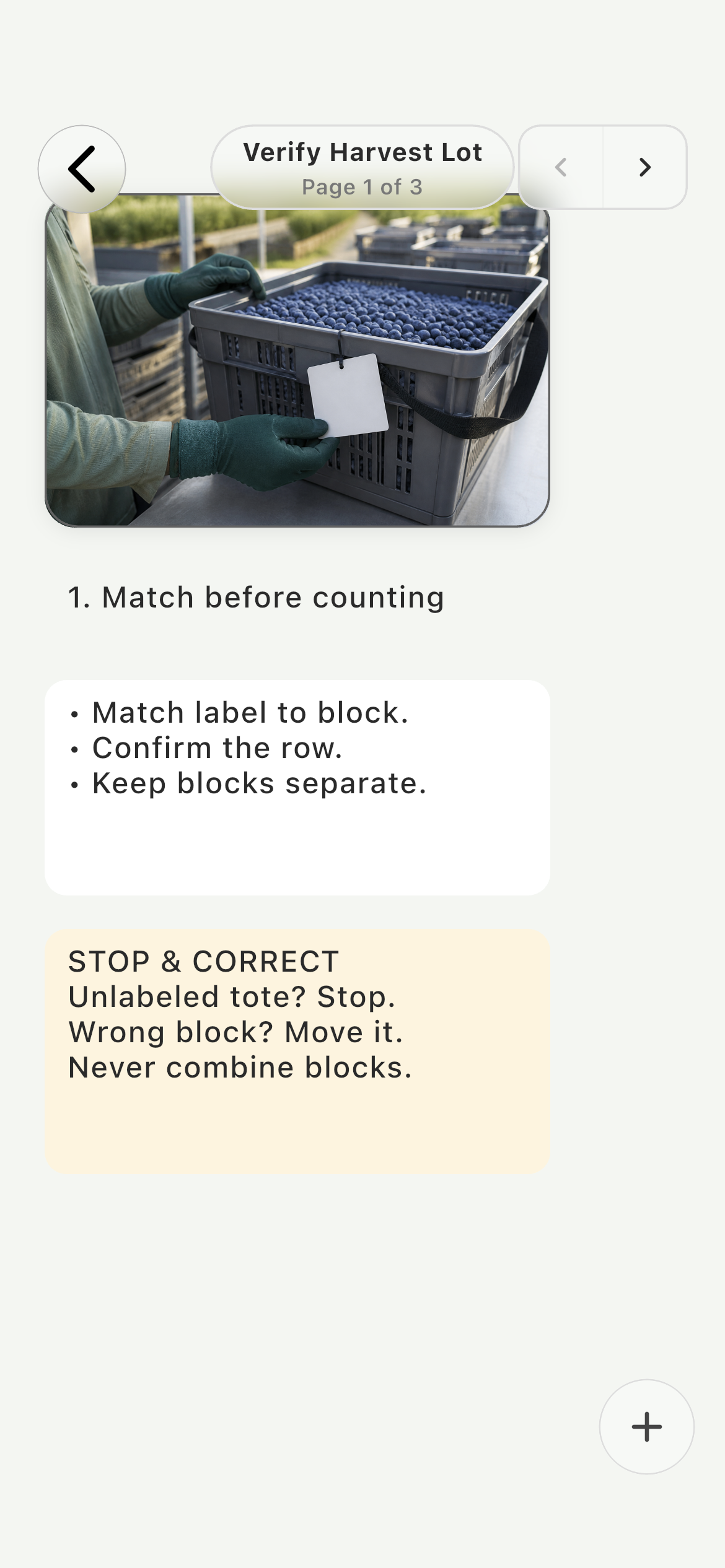
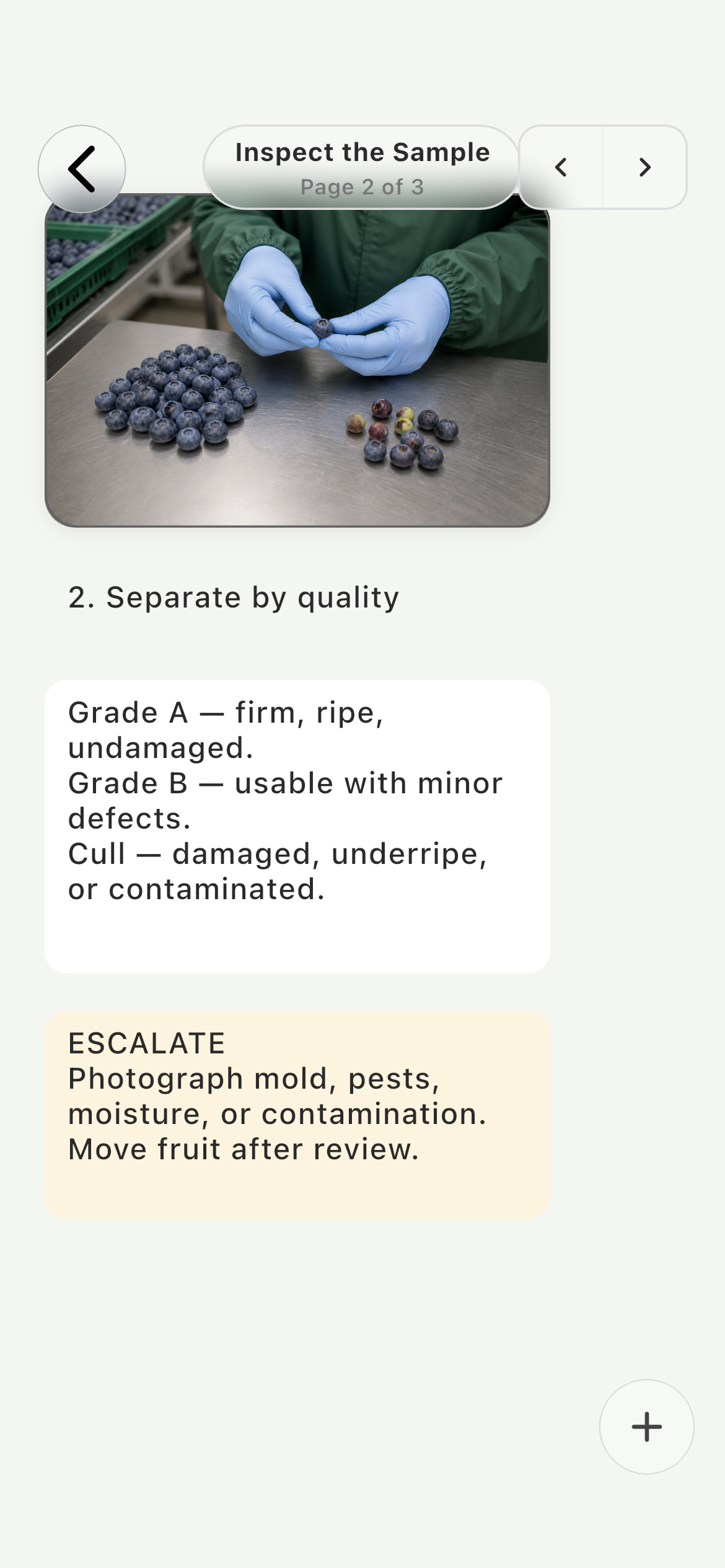
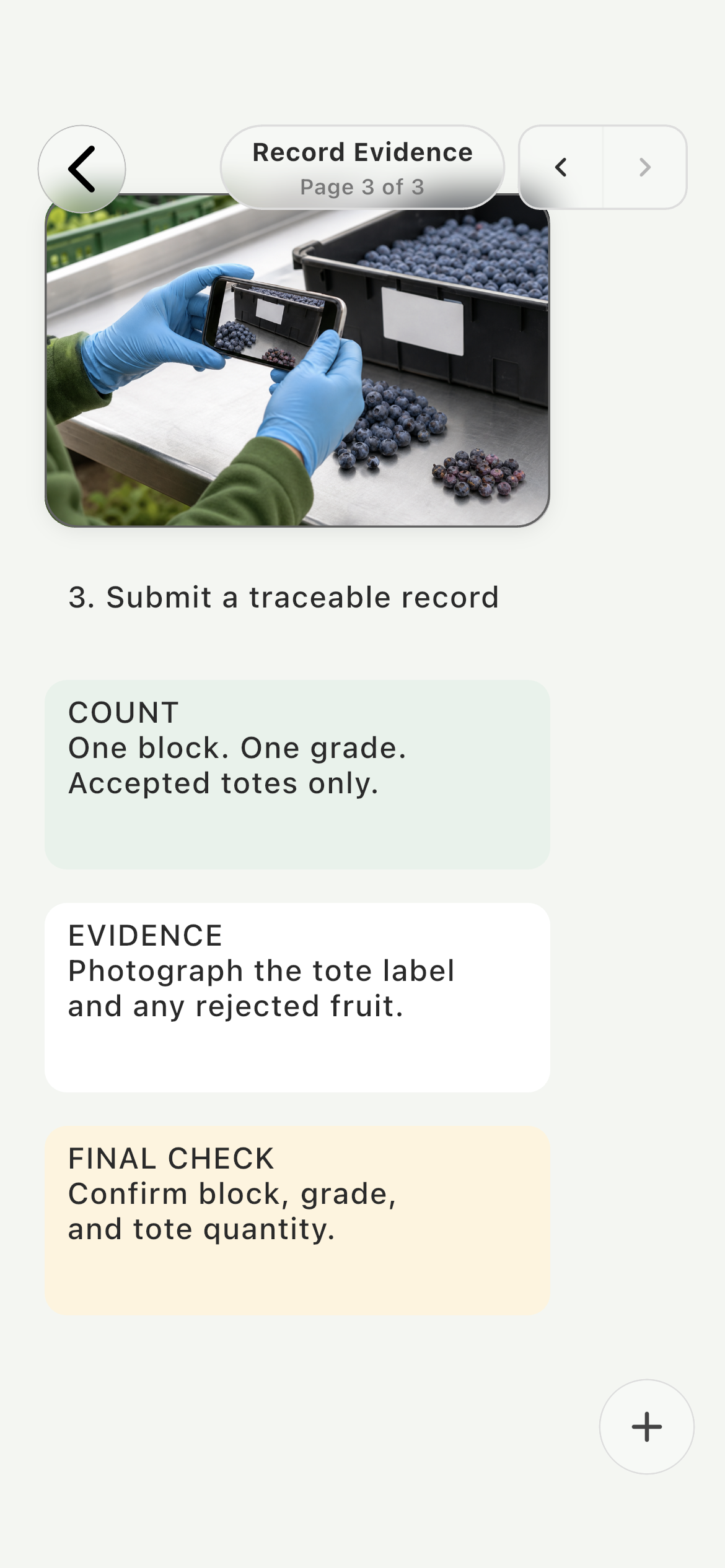
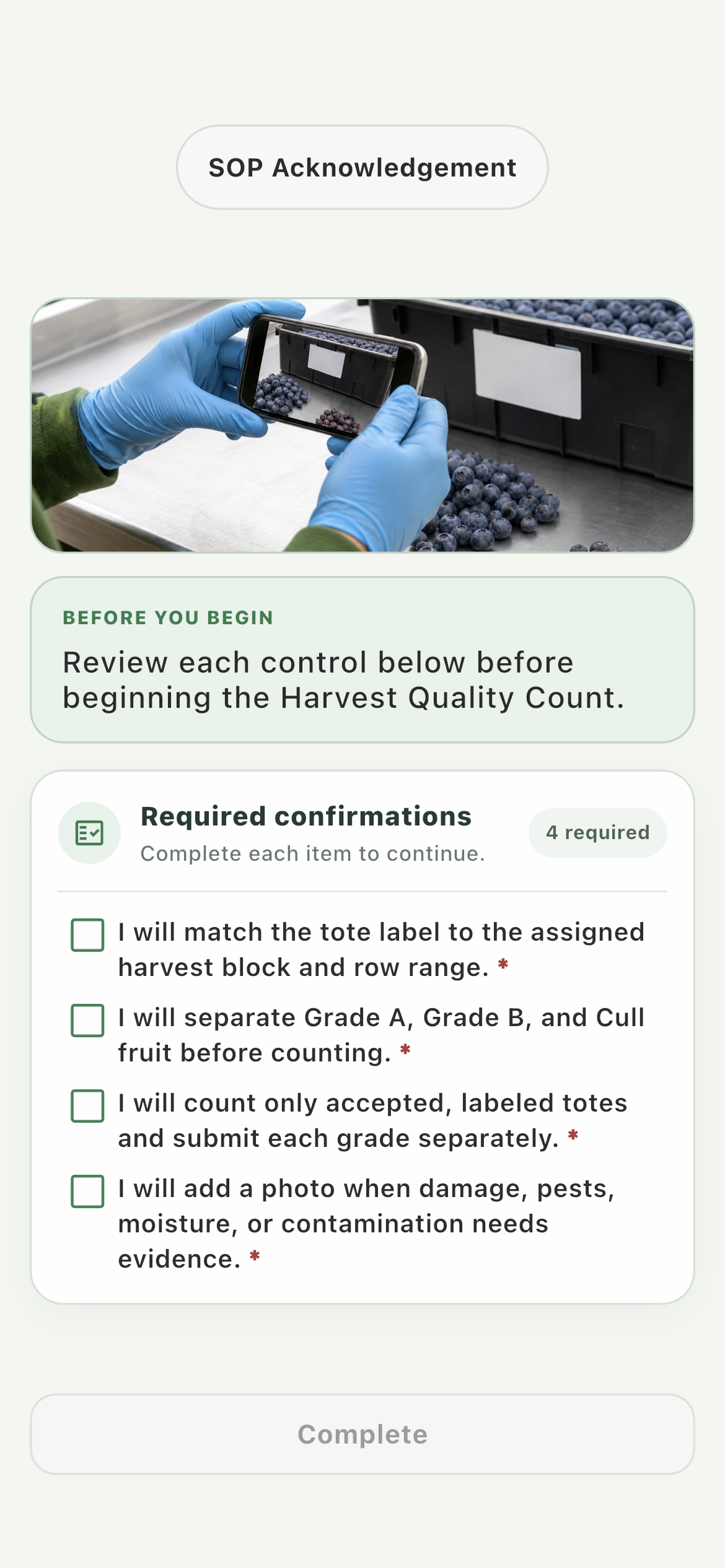
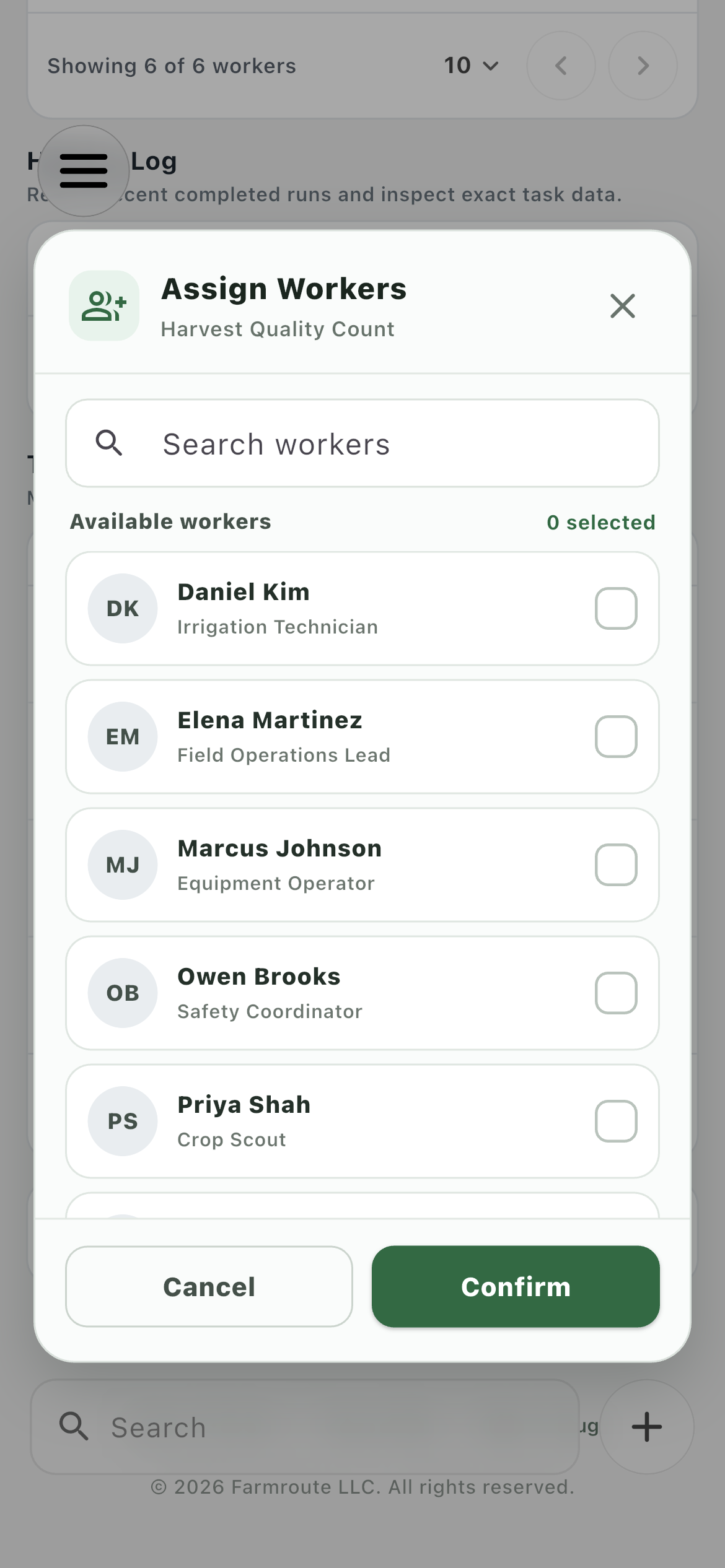
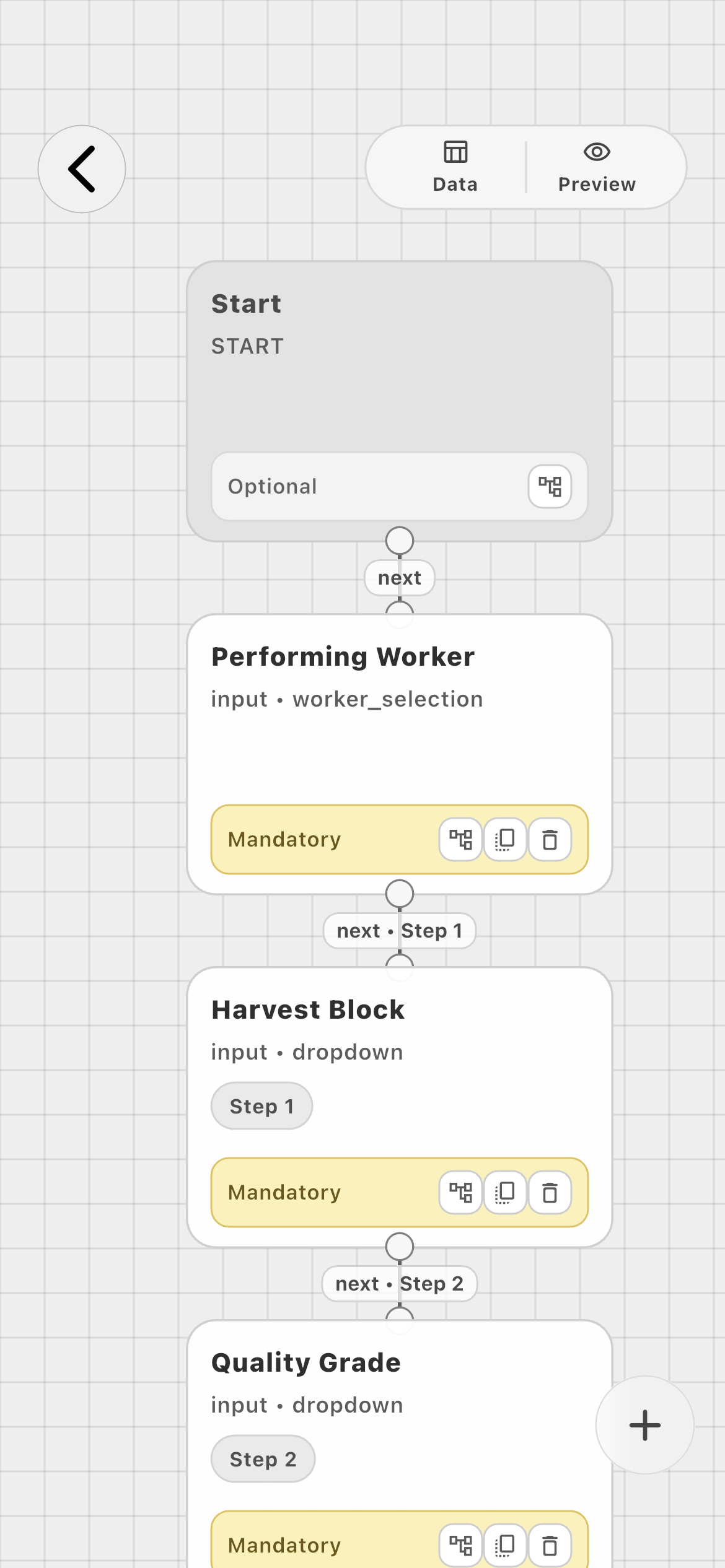
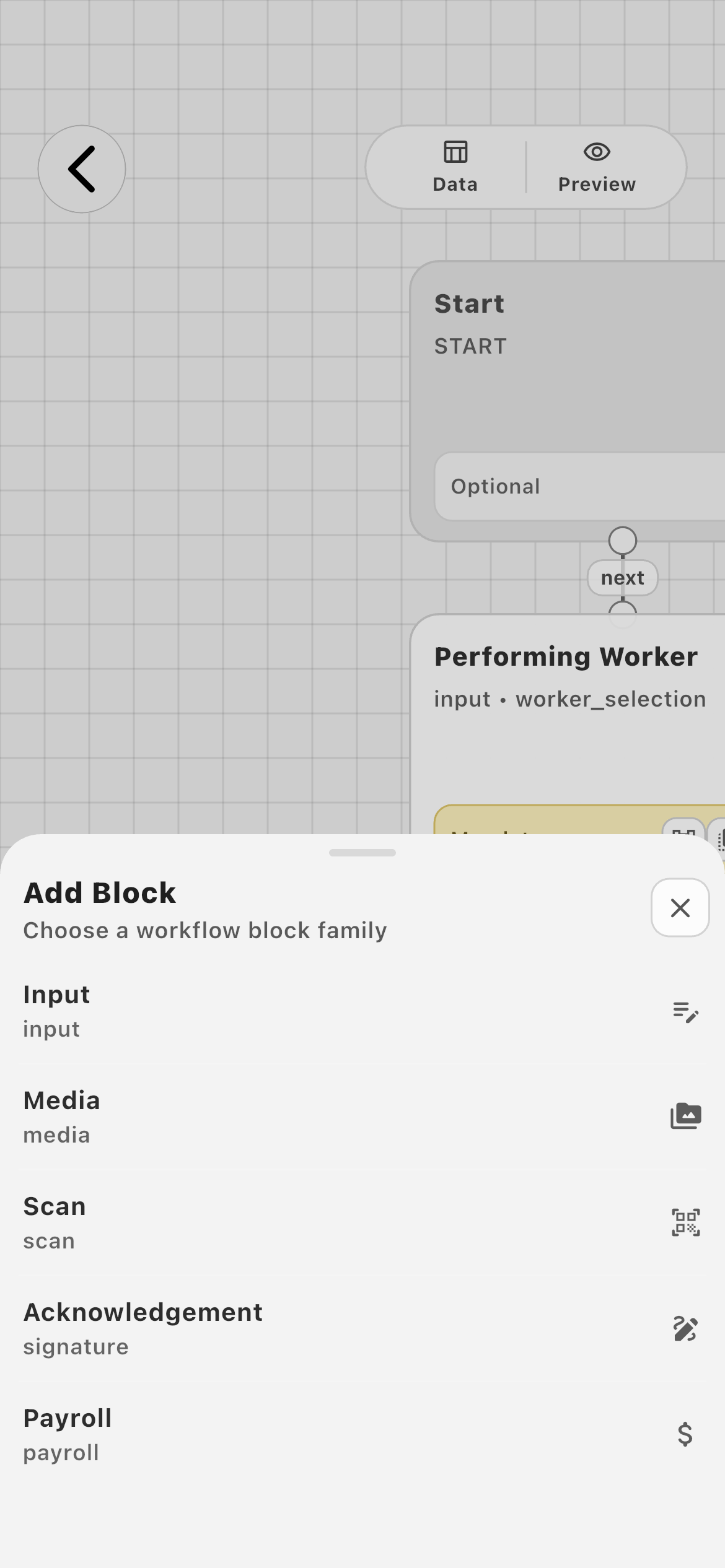
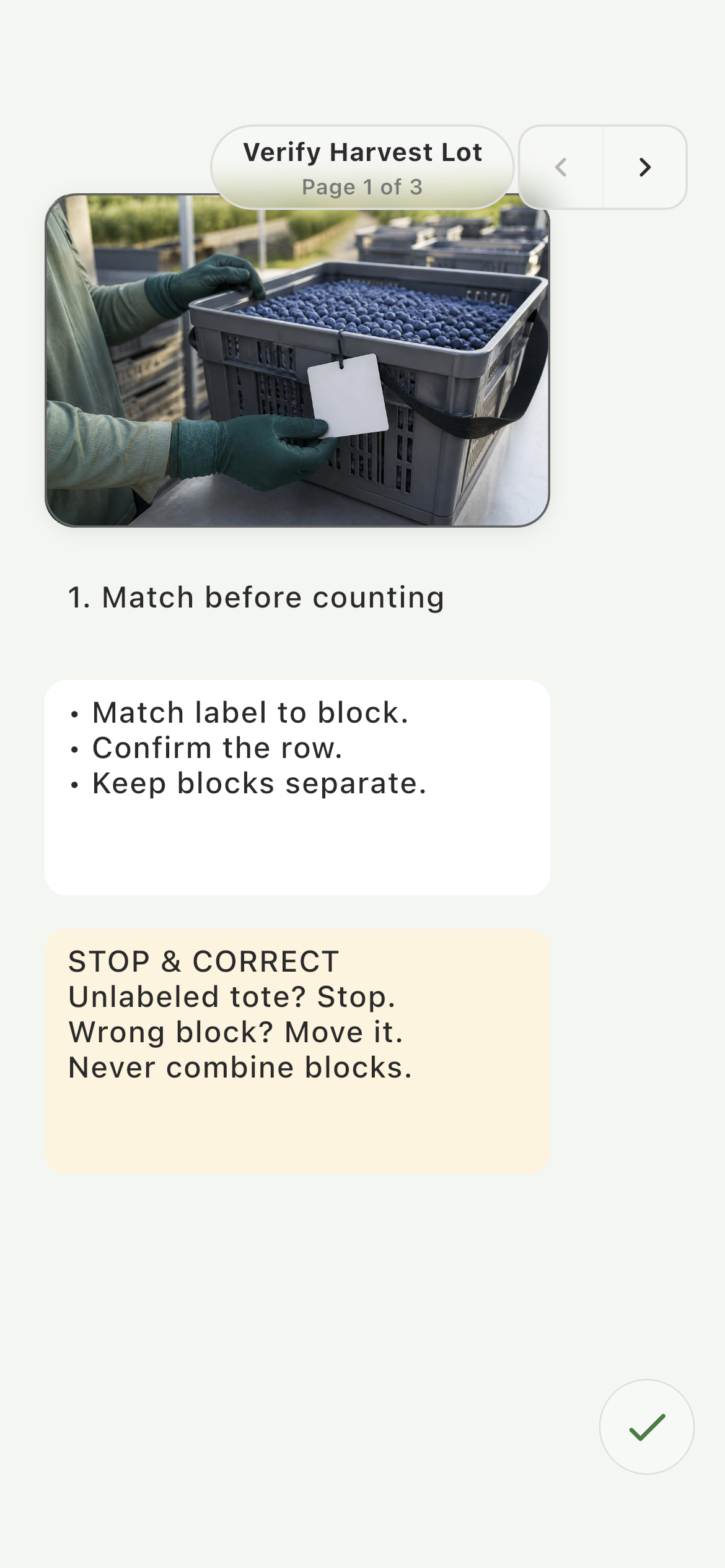
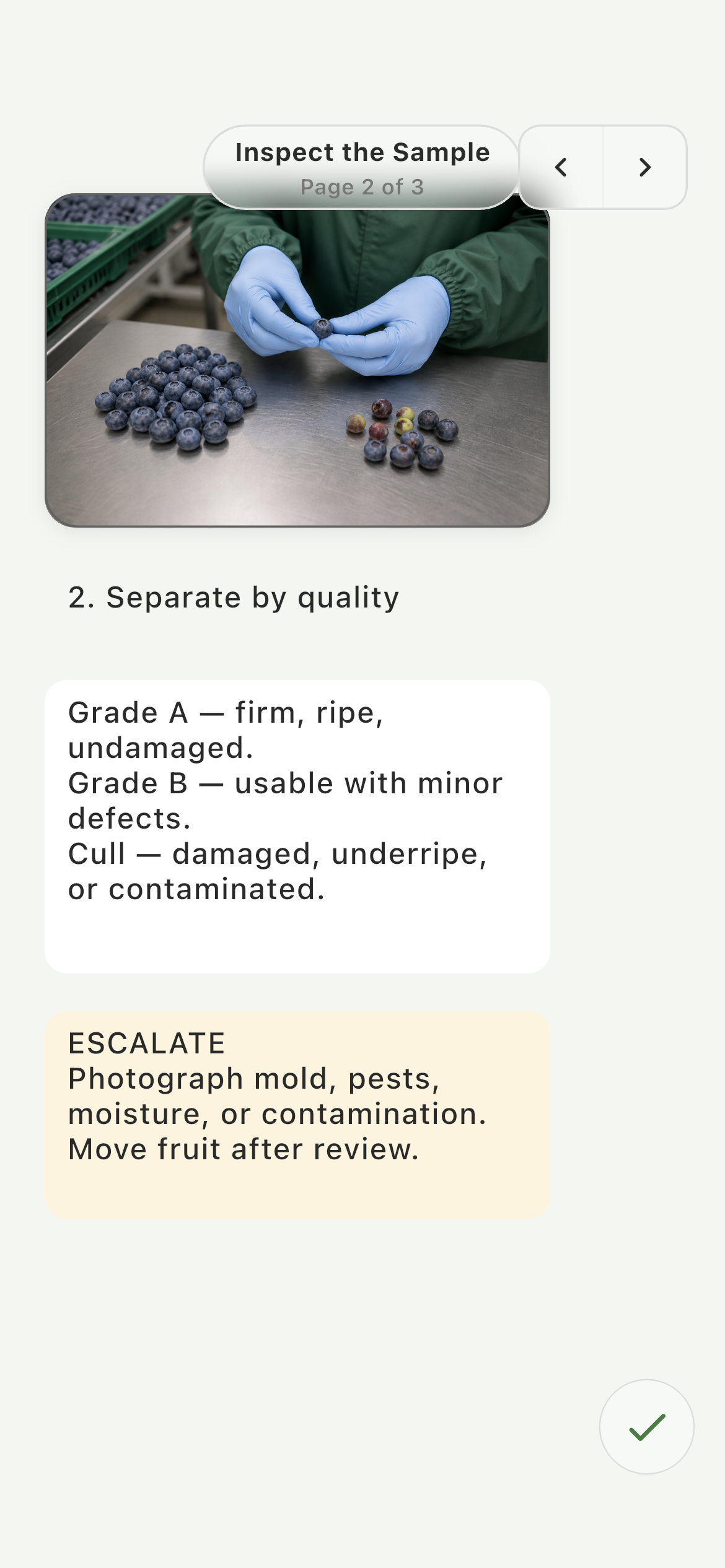
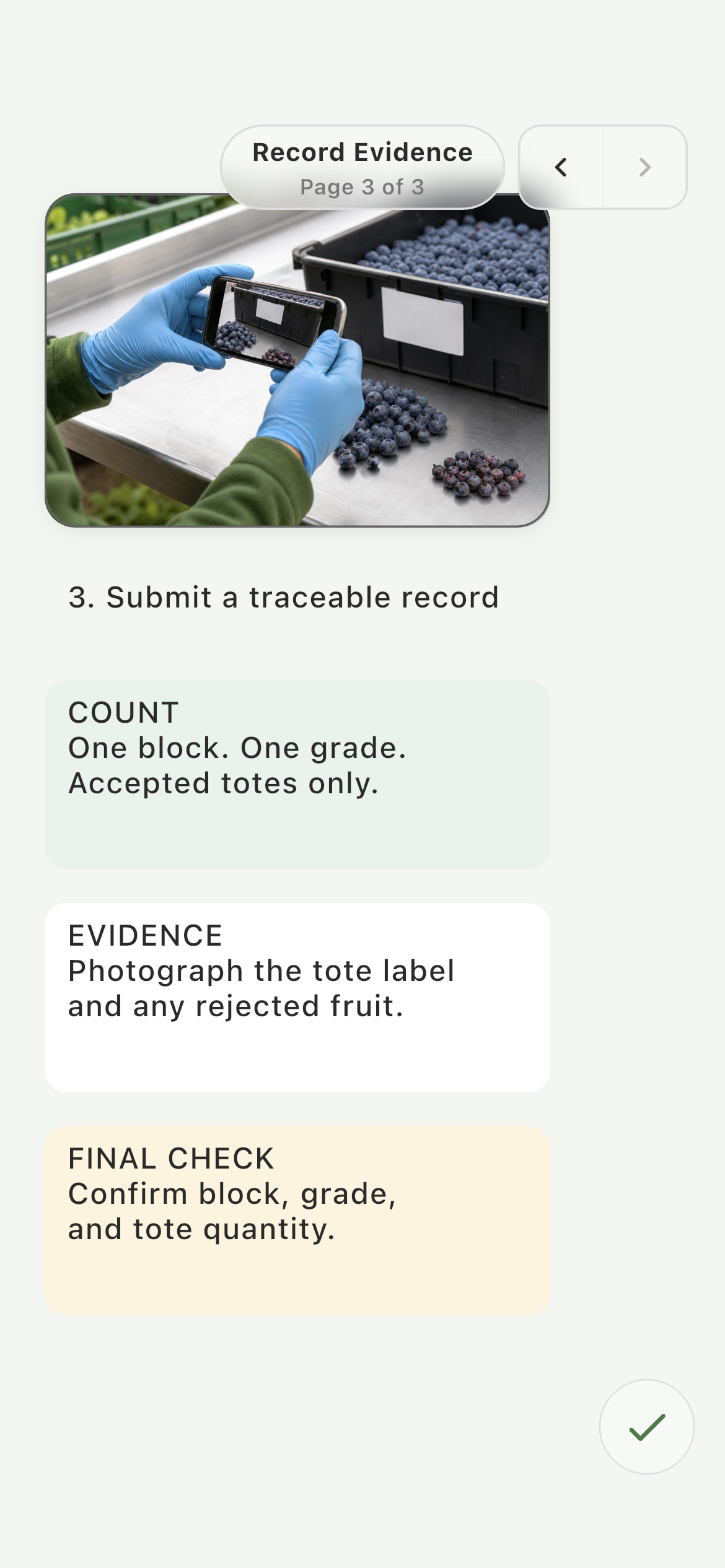
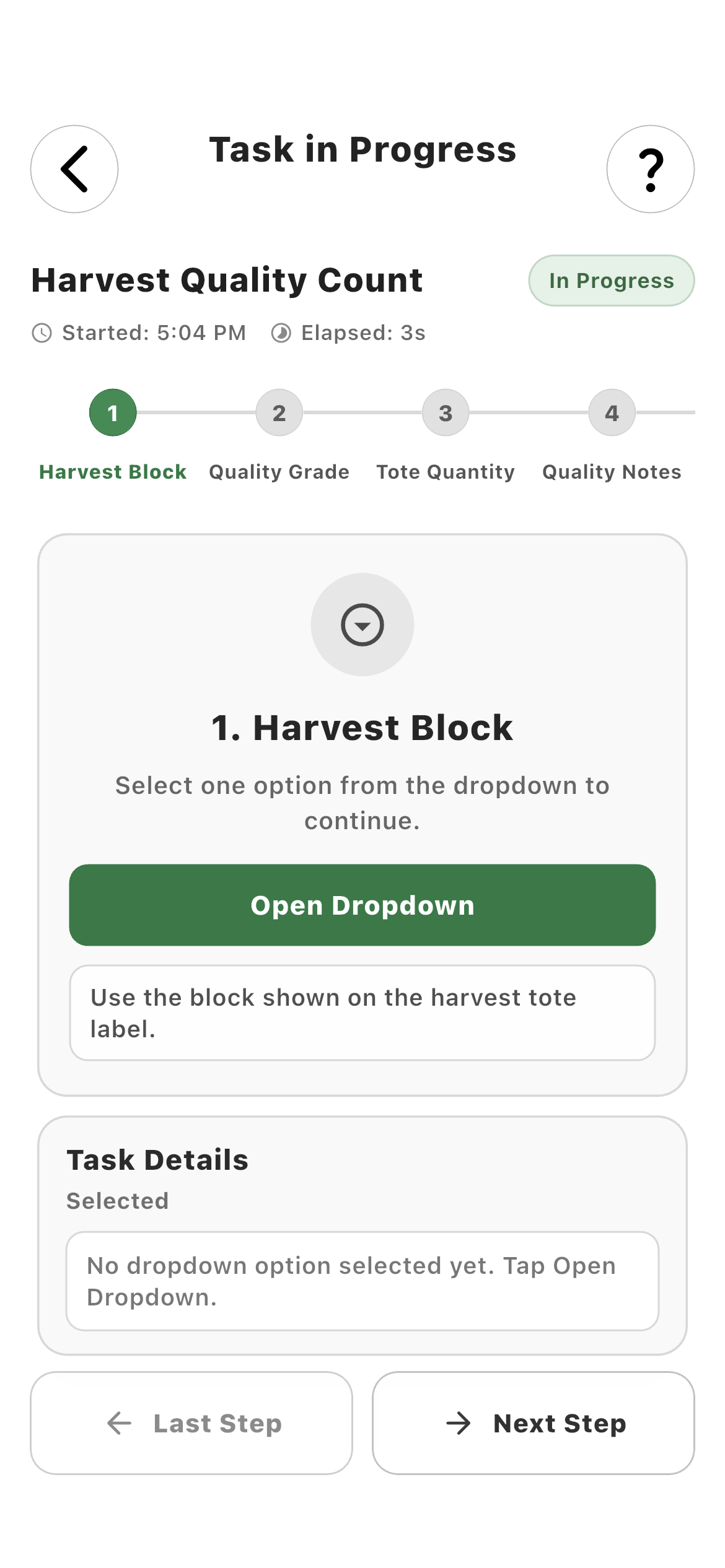
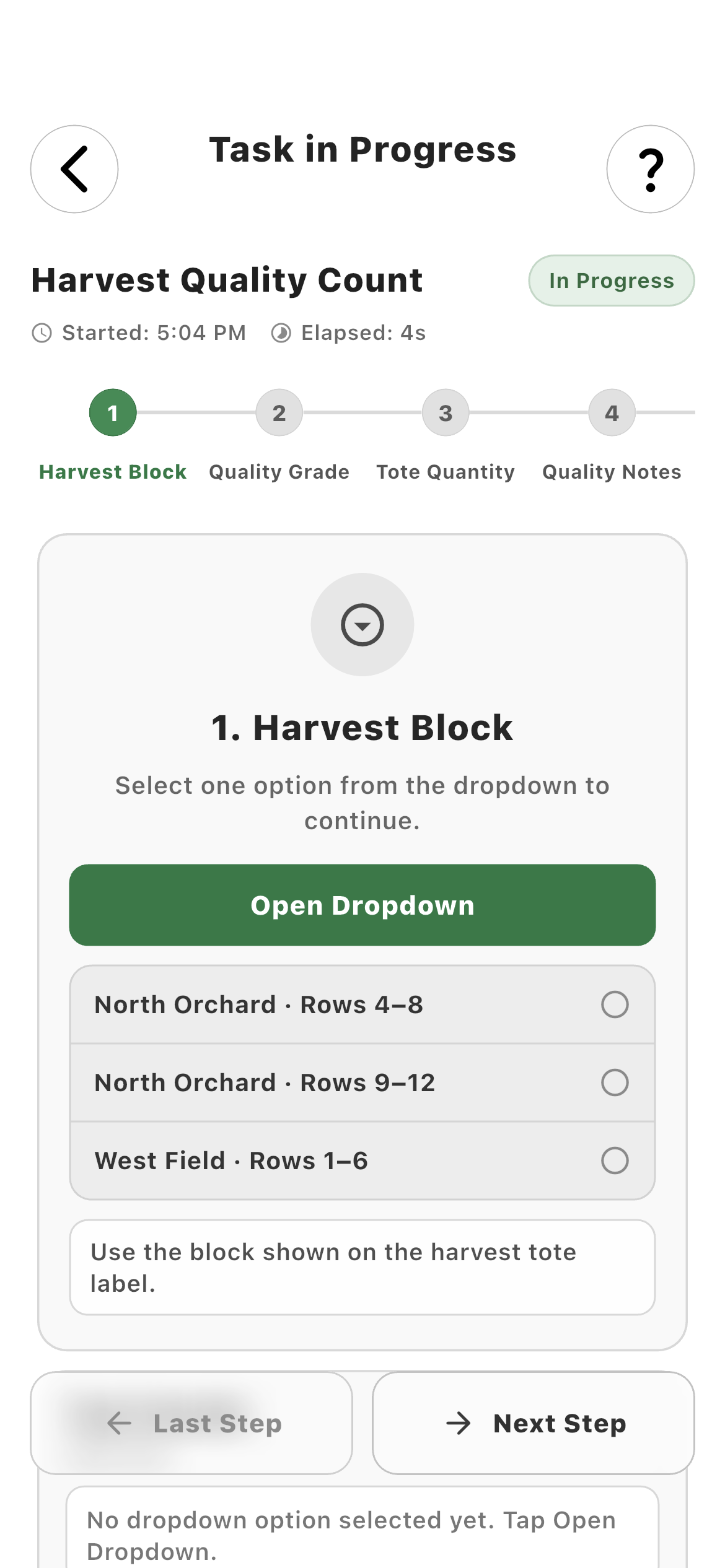
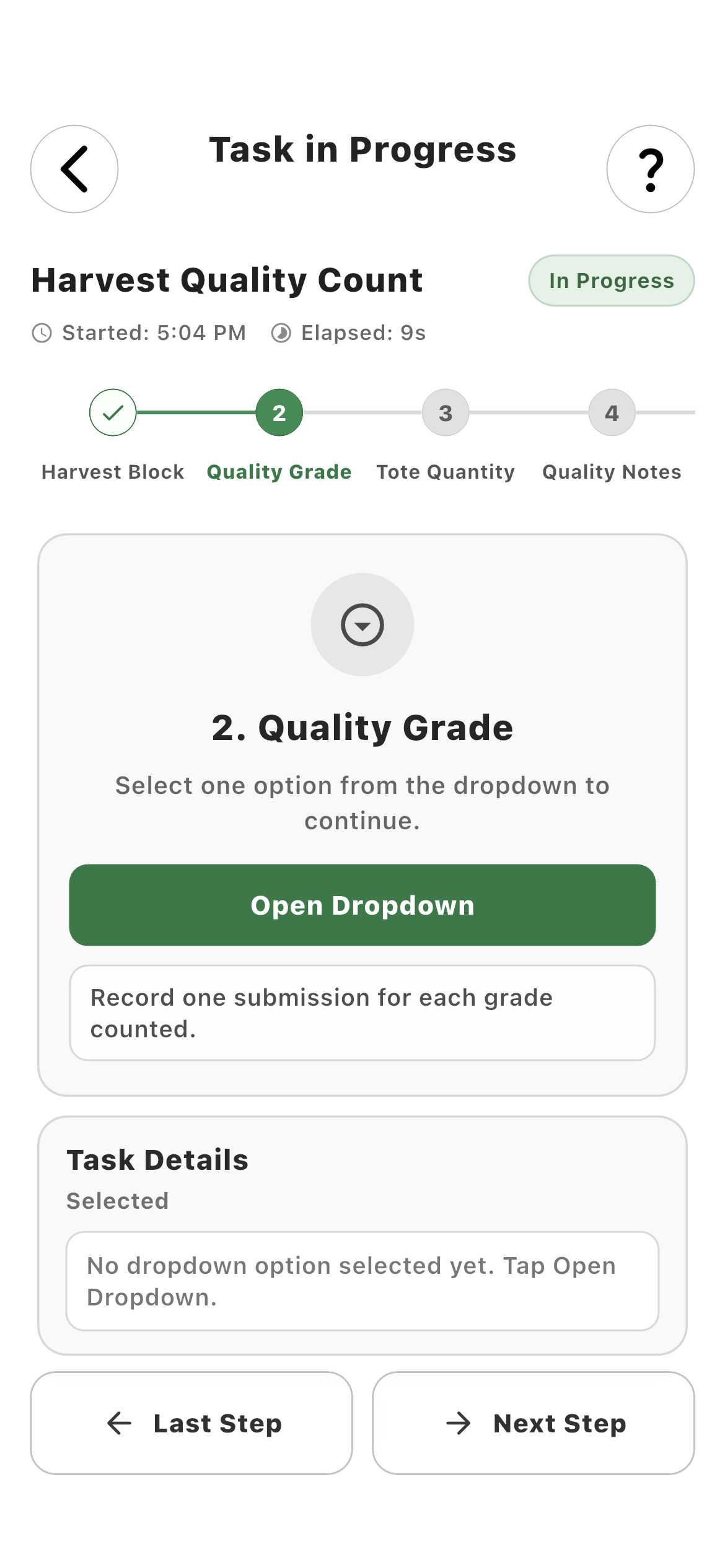
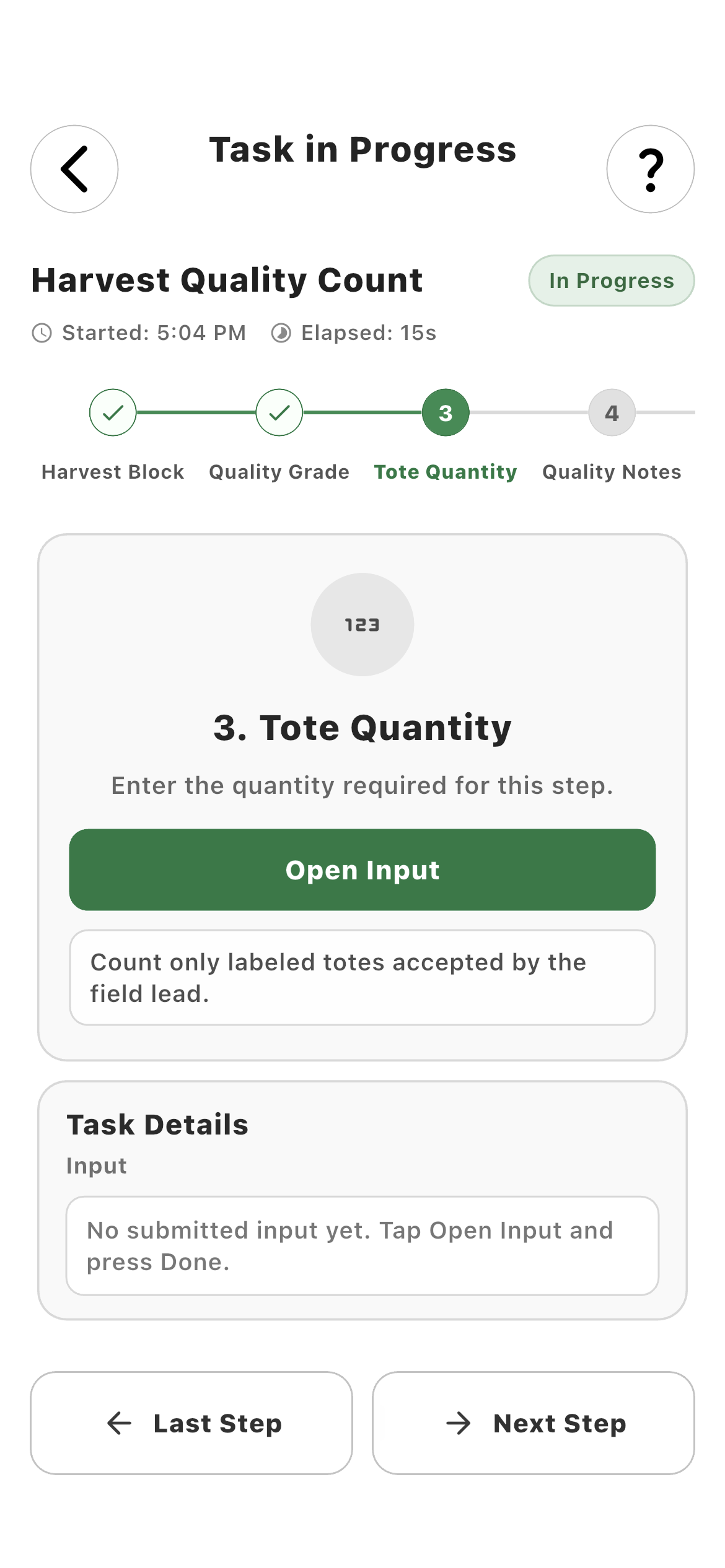
Yes. A farm can create reusable task templates and arrange worker-facing inputs, media, scans, acknowledgements, and payroll actions into a guided mobile sequence.
What information can a Farmroute task collect?
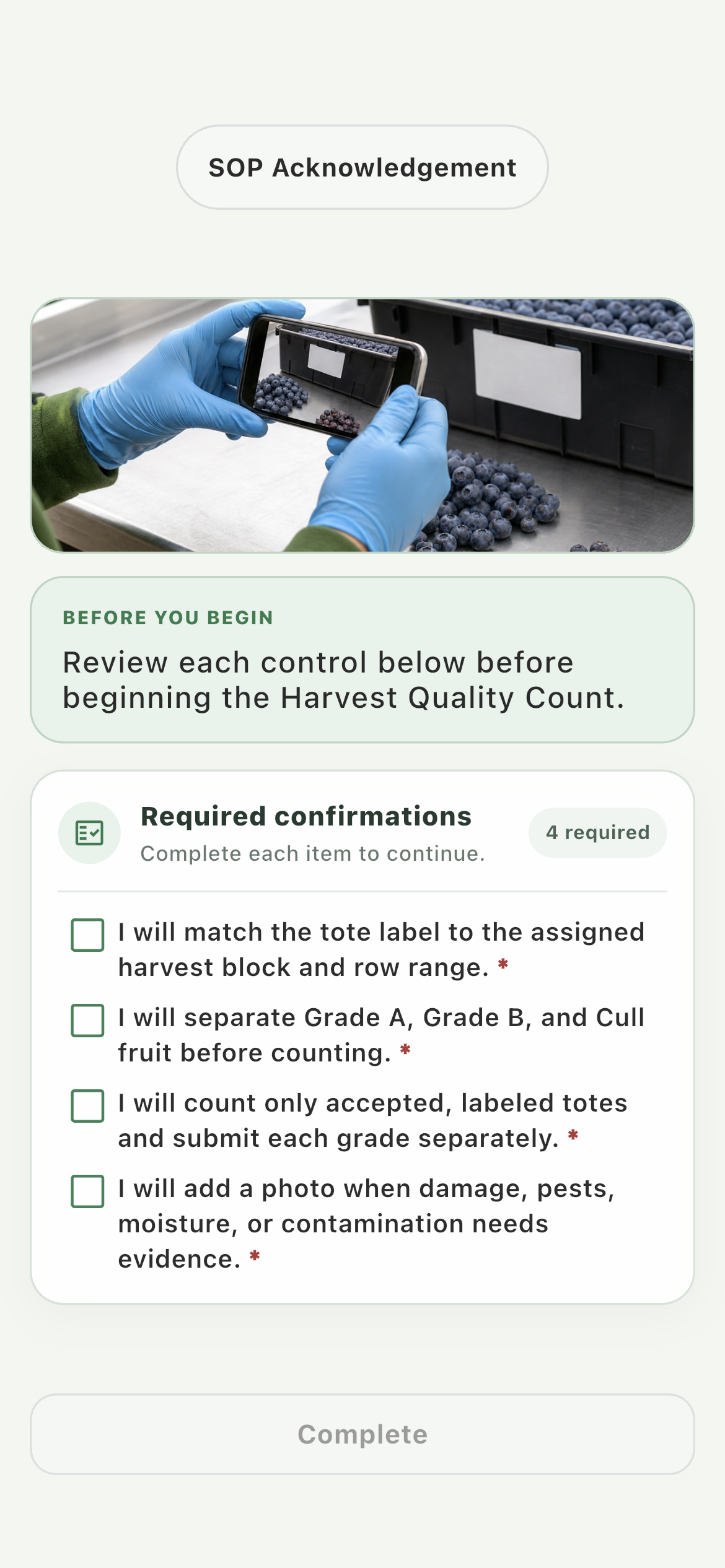
Tasks can collect text, numbers, decimals, currency, quantities, weights, dates, times, worker selections, dropdown or multi-select choices, photos, files, camera evidence, QR codes, barcodes, acknowledgements, names, signatures, and connected payroll outputs.
Can a farm require some task steps but leave others optional?
Yes. Each workflow block can be mandatory or optional. Mandatory steps prevent progression until the configured result is supplied, while optional notes or evidence can be skipped.
Can Farmroute automatically identify the employee performing a task?
Yes. Worker Selection can be shown for an explicit choice, automatically select the task performer, or remain hidden when the assigned employee is already the correct source.
Do employees have to clock in before completing a task?
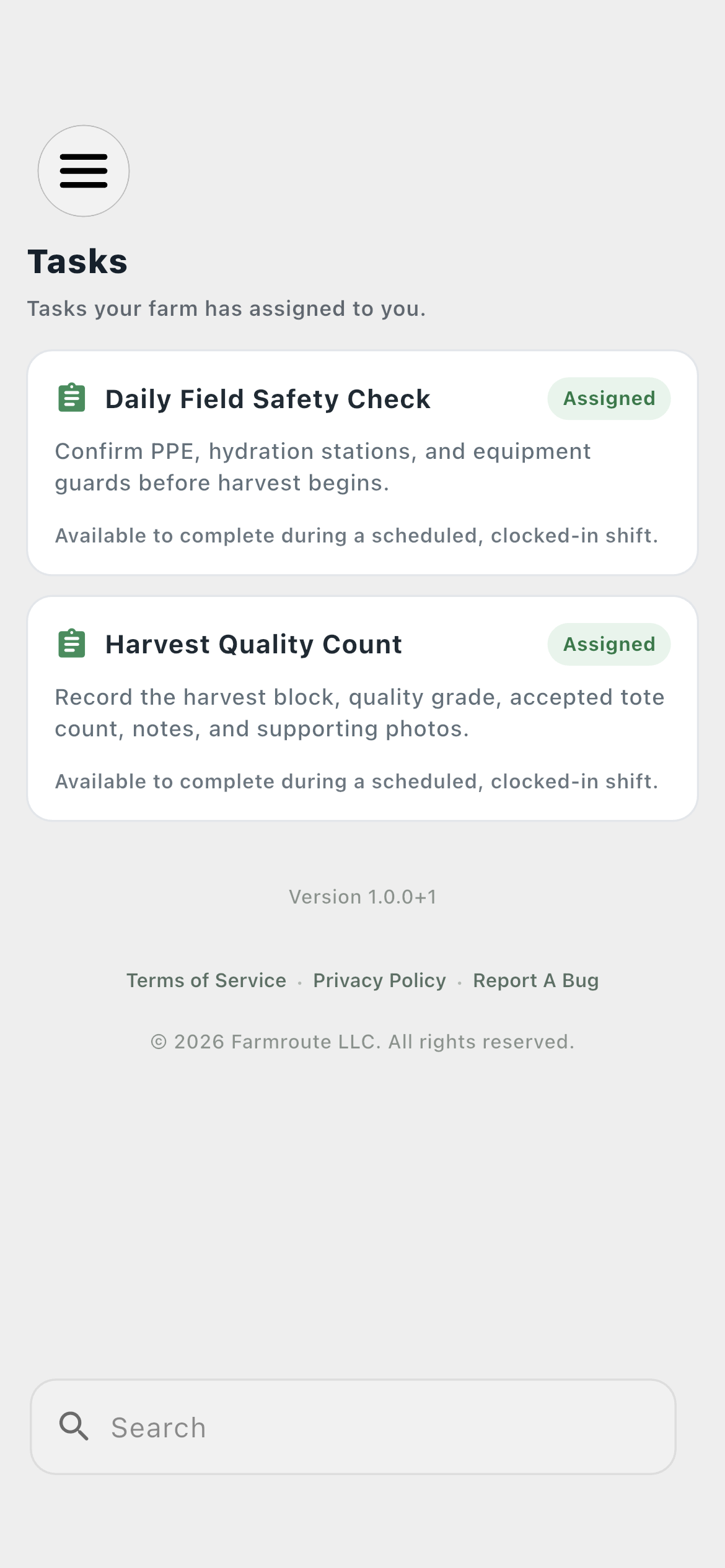
Ordinary operational tasks require an active clock session. Assigned template forms remain available without clock-in because onboarding and compliance documents may need completion outside a scheduled shift.
Can a task connect quantities to piece-rate pay?
Yes. A payroll action can link the performing worker and a quantity or weight output to a specific pay profile, piece type, and unit so the operational record can produce a traceable gross-pay input.
How does a farm see whether assigned task work is active or complete?
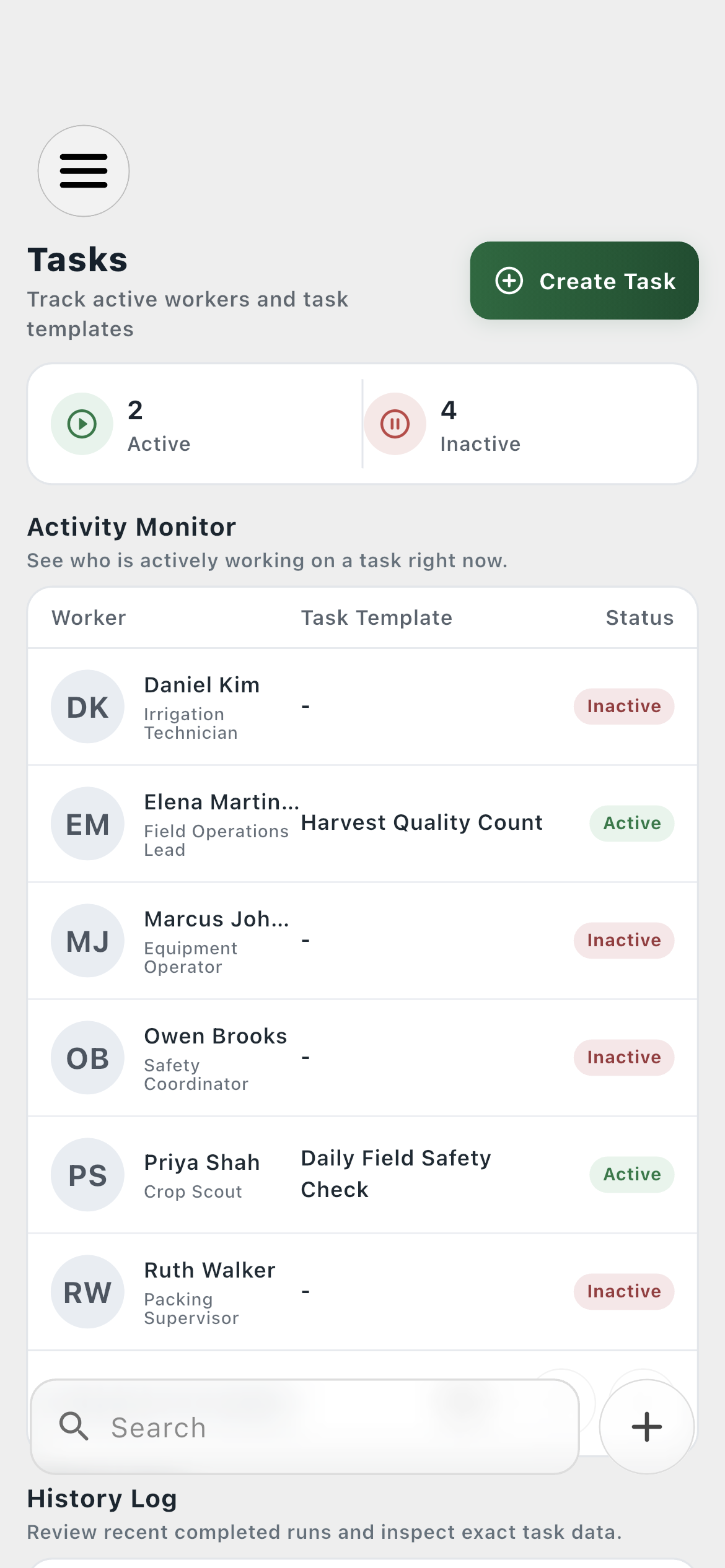
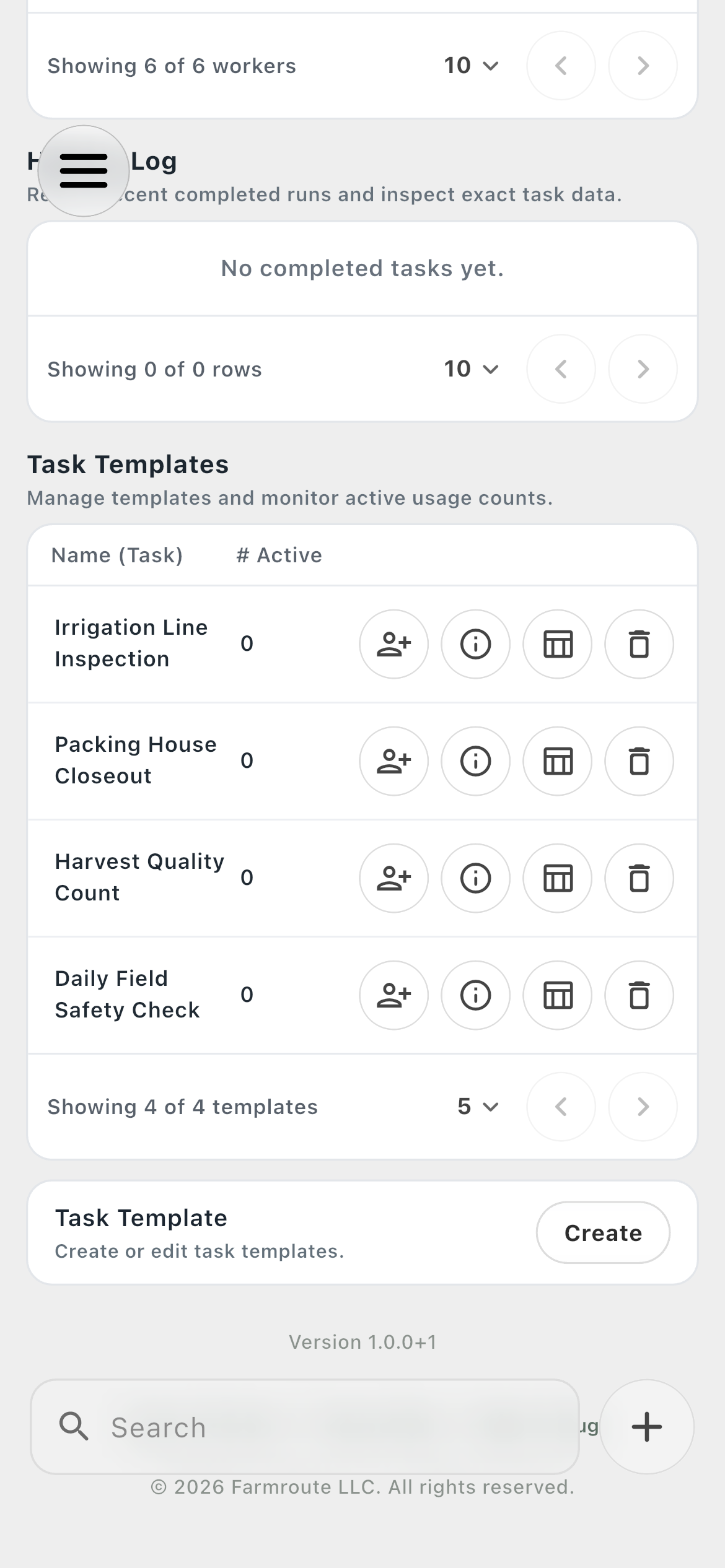
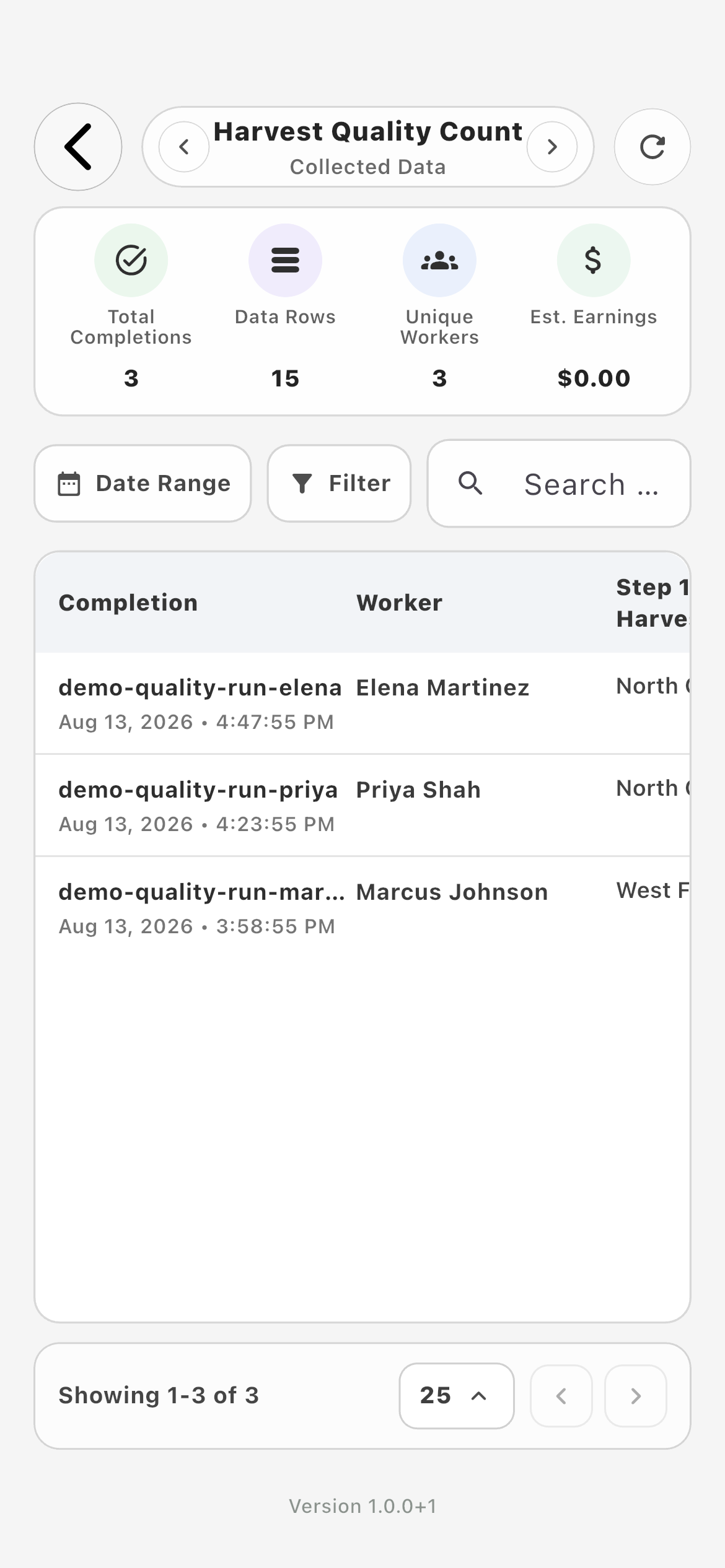
The farm Tasks page includes an Activity Monitor for current work, a History Log for completed runs, and a task-specific Data view for exact captured outputs.
What happens to task updates when a device reconnects?
Real-time events update the local task state while connected. After a disconnect, Farmroute runs incremental sync from the last checkpoint so missed changes are reconciled against the saved database record.